- --action <export|inspect|preview|library-list|library-get|library-remove>
- Export files, inspect settings and the output plan without writing, render previews, or manage saved work. Convert previews write the selected output formats; other tools write PNG. Specimen also lists fonts. Default: export.
- --saved <value>
- Saved-work ID to reopen. Explicit options override its settings. Required for library-get and library-remove.
- --save
- Save the completed export to the app library, or update the reopened record. Defaults to false for scripts. Default: false.
- --input <values…>
- Paths of the image files to convert. You can supply these values without --input. Required unless reopening saved work or querying the library.
- --formats <png|jpeg|webp|tiff|pdf>
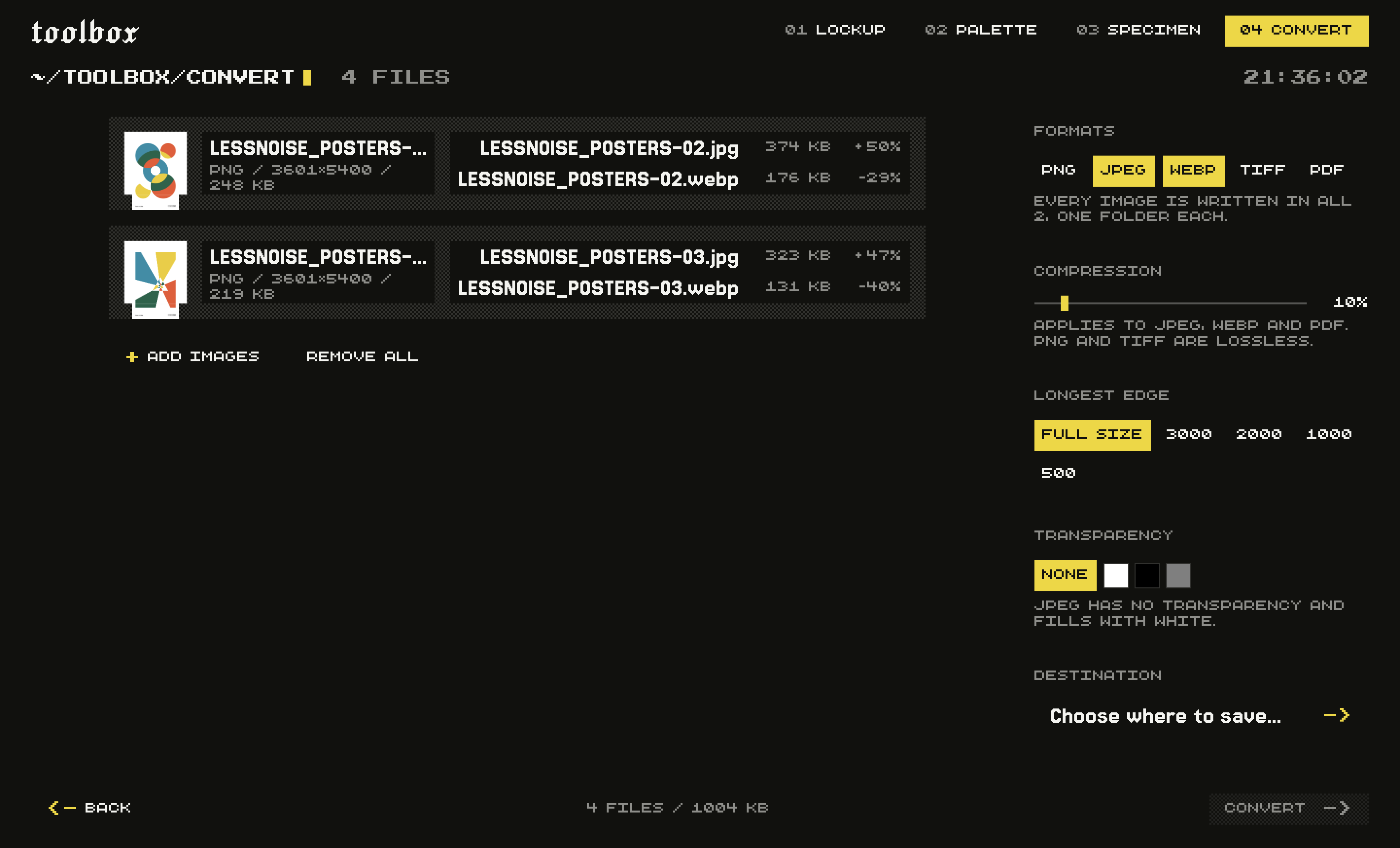
- Output formats. Every input is written in each one. Default: png.
- --compression <number>
- How hard to compress, 0 to 100. 0 uses the highest encoder quality; conversion still re-encodes the image. 100 applies the strongest compression offered. Applies to JPEG, WebP and PDF; PNG and TIFF are lossless and ignore it. Default: 10.
- --originalSize
- Clear a saved resize limit and keep original dimensions. Cannot be combined with longestEdge. Default: false.
- --longestEdge <number>
- Cap the longest side, in pixels, keeping the aspect ratio. Omit to keep each image at its own size. Images already smaller are left alone.
- --background <value>
- Fill behind transparency: 'none' keeps it wherever the format allows, or give a hex colour like '#ffffff'. JPEG and PDF have no transparency and fill with white when this is 'none'. Default: none.
- --out <value>
- Folder to write into. A fresh subfolder is created inside it, so nothing is overwritten. Required for export and preview.