- --action <export|inspect|preview|library-list|library-get|library-remove>
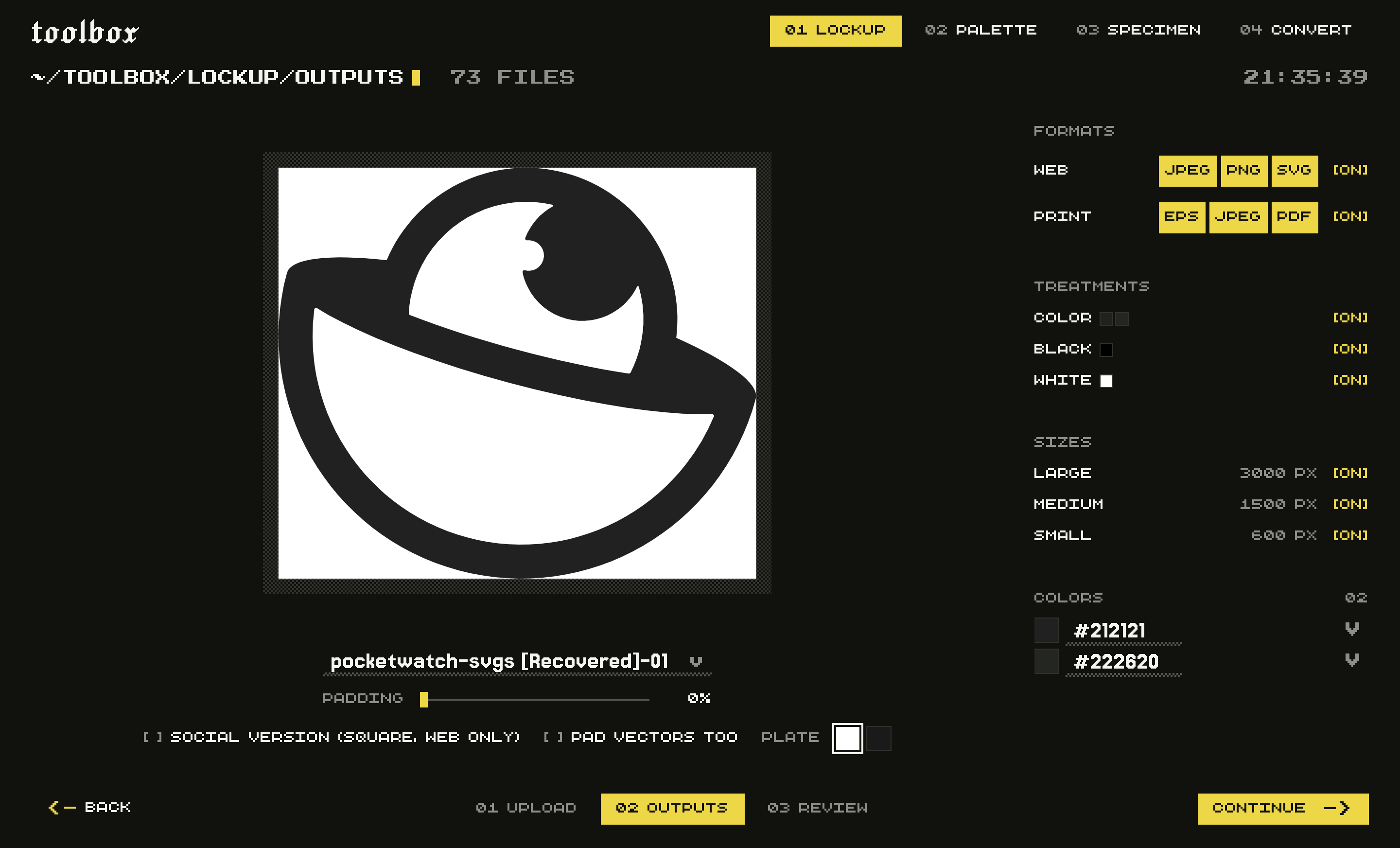
- Export files, inspect settings and the output plan without writing, render previews, or manage saved work. Convert previews write the selected output formats; other tools write PNG. Specimen also lists fonts. Default: export.
- --saved <value>
- Saved-work ID to reopen. Explicit options override its settings. Required for library-get and library-remove.
- --save
- Save the completed export to the app library, or update the reopened record. Defaults to false for scripts. Default: false.
- --name <value>
- Package name used in the folder and file names.
- --variations <json>
- Per-input overrides as JSON: [{"index":0,"name":"Horizontal","padding":0.1,"social":true,"socialPadding":0.12}]. Index is zero-based in input order.
- --palette <json>
- Color overrides as JSON: [{"sourceHex":"#D32F05","hex":"#FF4400","cmyk":[0,73,100,0],"pantone":"172 C"}]. Inspect first to find sourceHex values. CMYK is in percent.
- --padVectors
- Apply variation padding to SVG, PDF, and EPS as well as raster files. Default: false.
- --socialPadding <number>
- Padding for square social versions; per-variation settings override this value. Default: 0.12.
- --previewDark
- Use a dark plate in PNG previews and library thumbnails. Default: false.
- --input <values…>
- Paths of the logo SVGs, one per variation (horizontal, stacked, mark). You can supply these values without --input. Required unless reopening saved work or querying the library.
- --web <jpeg|png|svg>
- Web file types to include. Pass an empty array to skip web output. Default: jpeg, png, svg.
- --print <eps|jpeg|pdf>
- Print file types to include. Pass an empty array to skip print output. Default: eps, jpeg, pdf.
- --treatments <color|black|white>
- Colourways to build. Default: color, black, white.
- --sizes <large|medium|small>
- Raster sizes: large is 3000px, medium 1500px, small 600px on the long edge. Default: large, medium, small.
- --padding <number>
- Clear space around the mark, as a fraction of the long edge (0 to 0.25). Default: 0.
- --social
- Also emit a square profile-picture version of each variation (web only). Default: false.
- --out <value>
- Folder to write into. A fresh subfolder is created inside it, so nothing is overwritten. Required for export and preview.