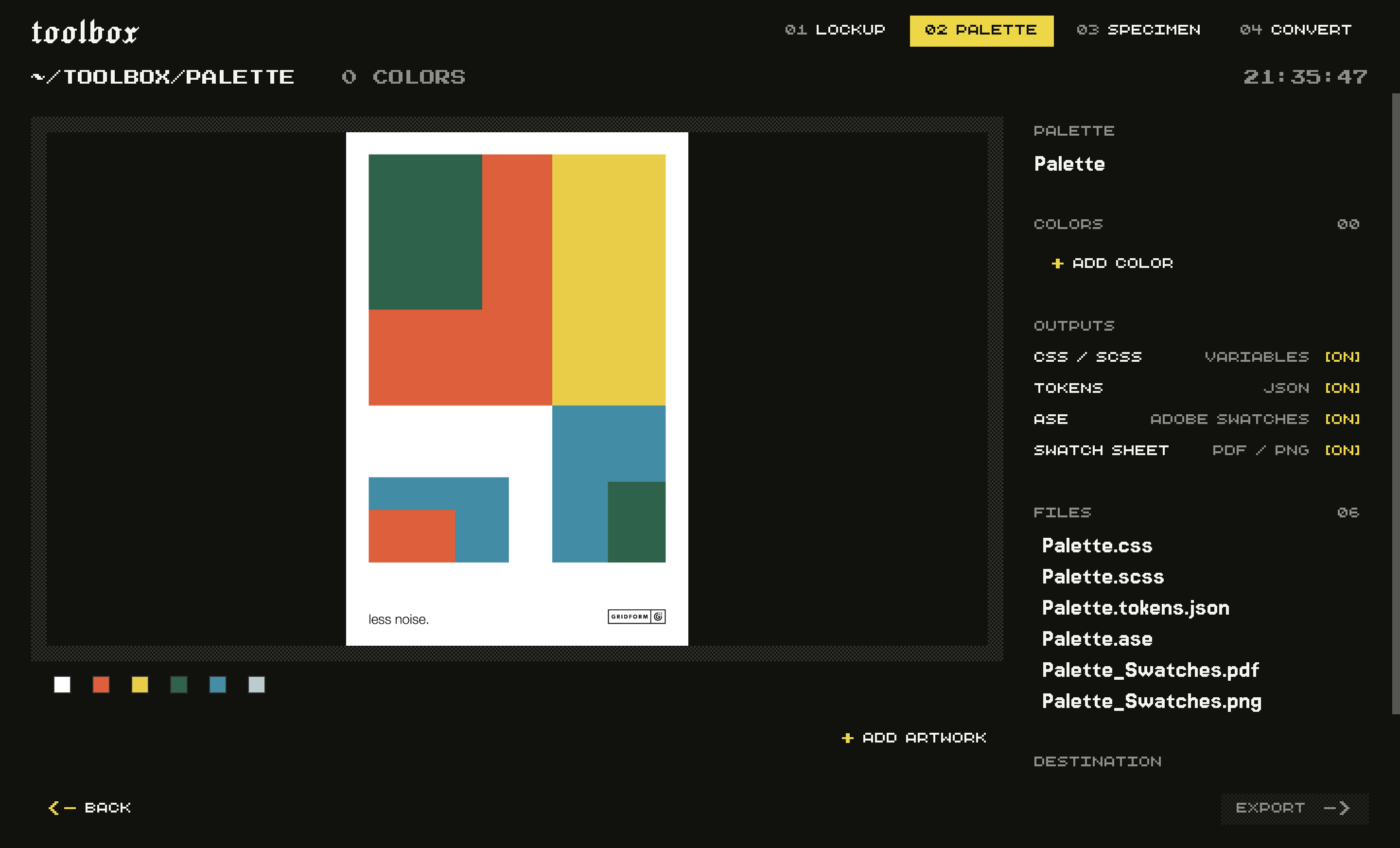
- --action <export|inspect|preview|library-list|library-get|library-remove>
- Export files, inspect settings and the output plan without writing, render previews, or manage saved work. Convert previews write the selected output formats; other tools write PNG. Specimen also lists fonts. Default: export.
- --saved <value>
- Saved-work ID to reopen. Explicit options override its settings. Required for library-get and library-remove.
- --save
- Save the completed export to the app library, or update the reopened record. Defaults to false for scripts. Default: false.
- --entries <json>
- Ordered swatches as JSON: [{"name":"Orange","hex":"#D32F05","cmyk":[0,78,98,17],"pantone":"1665 C"}]. Replaces extracted or saved entries; colors and samples then append.
- --samples <json>
- Sample image colors at normalized coordinates: [{"image":0,"x":0.5,"y":0.5}]. Image indices come from inspect.
- --extract
- Add dominant image colors automatically. Disable to select only explicit samples or entries. Default: true.
- --colors <values…>
- Hex colours to include, for example ['#D32F05', '#003A5D']. You can supply these values without --colors.
- --input <values…>
- Paths of artwork to pull colours from. SVGs contribute their exact fills; images contribute their dominant colours. Combines with `colors`.
- --name <value>
- Palette name, used for the file names and the sheet heading. Default: Palette.
- --outputs <css|tokens|ase|sheet>
- Which files to write. Default: css, tokens, ase, sheet.
- --out <value>
- Folder to write into. A fresh subfolder is created inside it, so nothing is overwritten. Required for export and preview.