- --action <export|inspect|preview|library-list|library-get|library-remove|fonts>
- Export files, inspect settings and the output plan without writing, render previews, or manage saved work. Convert previews write the selected output formats; other tools write PNG. Specimen also lists fonts. Default: export.
- --saved <value>
- Saved-work ID to reopen. Explicit options override its settings. Required for library-get and library-remove.
- --save
- Save the completed export to the app library, or update the reopened record. Defaults to false for scripts. Default: false.
- --roles <json>
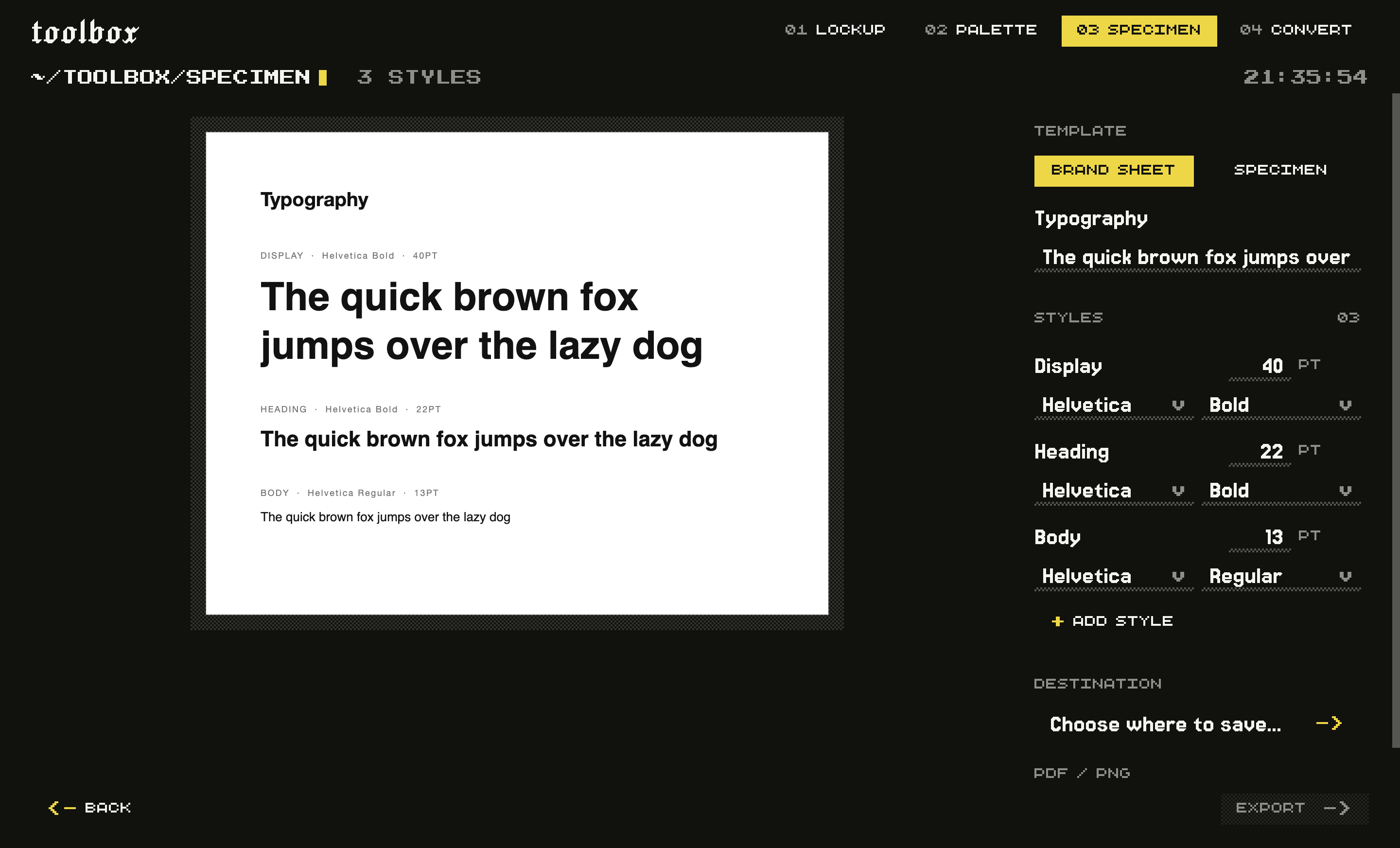
- Ordered brand styles as JSON: [{"label":"Display","family":"Helvetica","face":"Bold","size":40}]. Replaces the default roles; sizes are in points. Use action fonts for installed names.
- --template <brand|classic>
- 'brand' lays out named roles (heading, body, caption); 'classic' shows one family at a range of sizes. Default: brand.
- --title <value>
- Heading printed on the sheet. Default: Typography.
- --sample <value>
- The sentence set in each face. Default: The quick brown fox jumps over the lazy dog.
- --family <value>
- Font family for the 'classic' template, for example 'Helvetica'. Ignored by 'brand'.
- --out <value>
- Folder to write into. A fresh subfolder is created inside it, so nothing is overwritten. Required for export and preview.